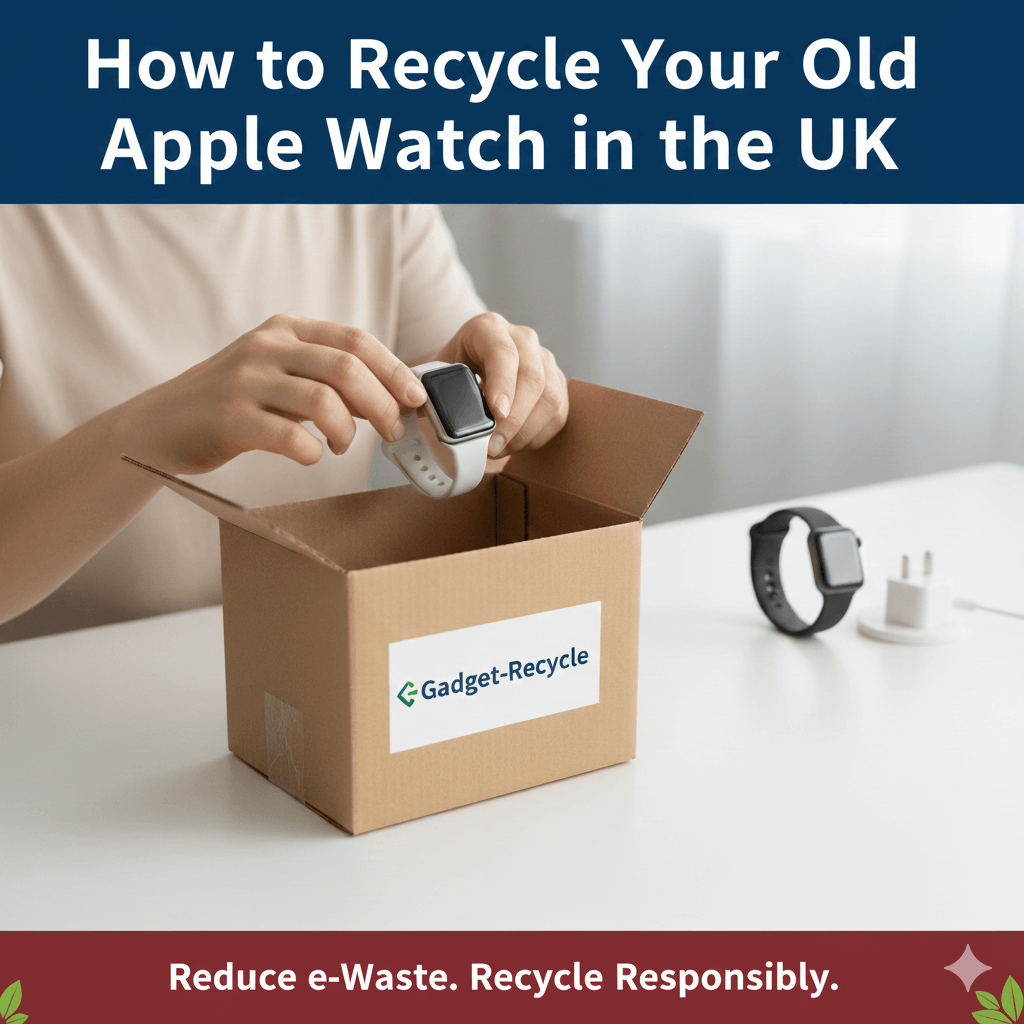
An Apple Watch is protected by Activation Lock, which ties it to your Apple ID. Before you sell or recycle it, the watch has to be unpaired and removed from your account, otherwise it can't be set up by anyone else. Here is how, with or without your iPhone.
The best way: unpair it from your iPhone
Keep the watch and iPhone close together, then:
- Open the Watch app on your iPhone and tap All Watches at the top of My Watch.
- Tap the info button (i) next to the watch you are selling.
- Tap Unpair Apple Watch. For a cellular model, choose to remove the plan. You can cancel the plan with your network separately.
- Enter your Apple ID password to turn off Activation Lock, then confirm.
Your iPhone backs up the watch before unpairing, and the watch is erased afterwards. When it shows the pairing screen, it is ready to send.
If you don't have the iPhone any more
On the watch, go to Settings → General → Reset → Erase All Content and Settings. This erases the watch but does not turn off Activation Lock. To finish, sign in at iCloud.com/find, open All Devices, choose the watch and select Remove This Device.
Check Activation Lock is off
In the Find My app or at iCloud.com/find, make sure the watch is no longer listed under your devices. If it is still there, we can't accept it. See how to remove Activation Lock from an Apple Watch.
What to send
Just the watch. You can keep the strap and charger unless your quote says otherwise. Broken or water-damaged watches are accepted too: pick the matching condition when you get your quote.
Ready? Get an instant price on the Sell My Apple Watch page, with free UK collection and payment once we have checked it.